
Ever wonder if your current budget plan is really working for you? Maybe it's time for a fresh approach. Just imagine how a small change in your weekly planner could help your savings grow a bit more each week.
Picture a simple tool that keeps track of your spending and also offers down-to-earth advice to get the most out of your dollars. In this chat, I'll share two easy ideas to turn your weekly planner into a smart guide for smart spending.
Ready to see how a little planning could make a big difference in your money matters?
Access Free Weekly Budget Planner Templates
Looking for an easy way to keep track of your spending? Check out our free printable organizers that help you manage your money every week. They come ready to use in formats like Google Sheets and Excel, making it simple to track everything from your grocery bills to your ride costs. Take the Personal Weekly Budget Planner template, for example, it’s fully editable and printable, so whether you like a paper copy in your hand or a digital file on your screen, you’ve got options that work for you.
With over 5,000 templates available, you can find one that suits your financial needs perfectly. There are designs ranging from simple to cute and colorful, each with clear sections for income, bills, and other expenses. These finance templates are made to be clear and practical so you can plan smarter and save more without any extra hassle.
| Template Name | Format | Key Features |
|---|---|---|
| Personal Weekly Budget Planner | Google Sheets/Excel | Editability, Printable, Comprehensive expense tracking |
| Weekly Grocery Budget | PDF/Google Sheets | Focused on shopping expenses, easy-to-read layout |
| Weekly Meal Budget | Google Sheets | Combines meal planning with expense management |
| Colorful Weekly Budget | Excel-based weekly template | Vibrant design, user-friendly, categories for every expense |
When choosing a template, think about how you like to manage your money. If you enjoy a hands-on approach with visuals and colors, a printable PDF might be just right. But if you prefer quick, real-time updates, a Google Sheets or Excel version could be the best fit for you.
Create Your Own Weekly Budget Planner from Scratch
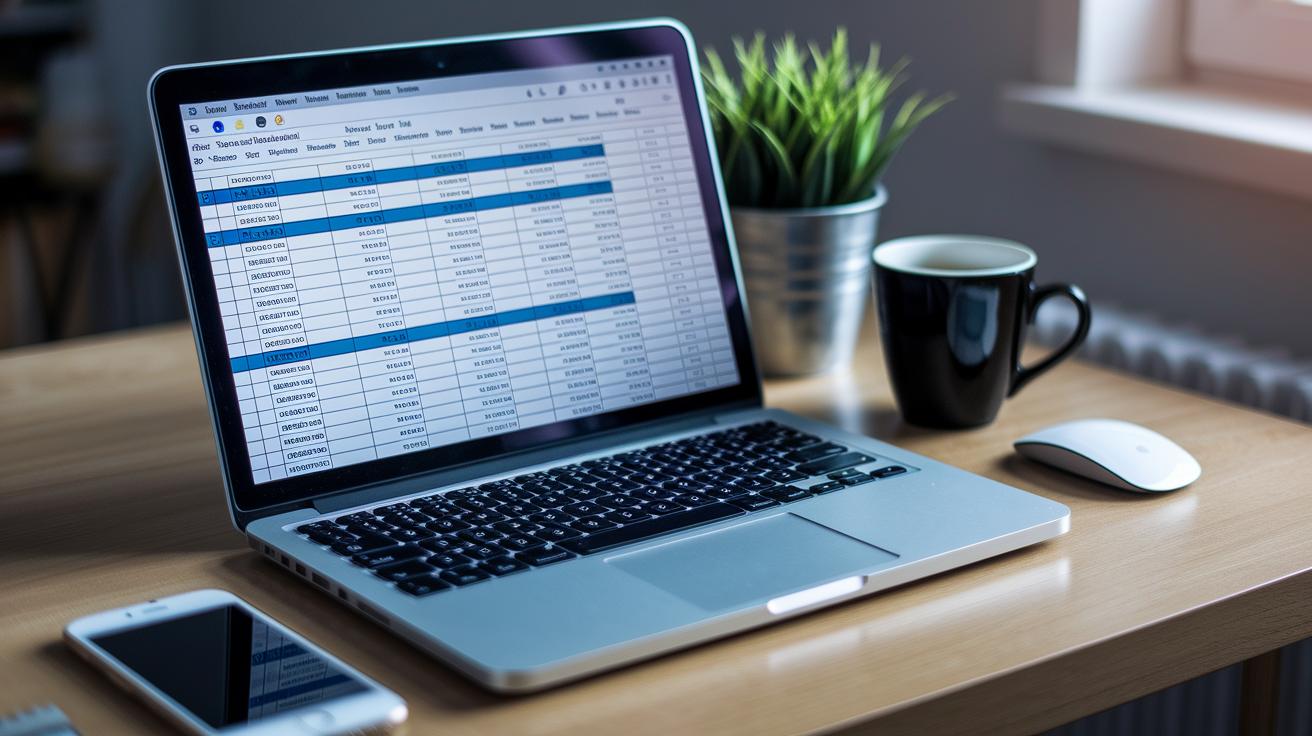
Designing your own planner lets you fine-tune every detail to fit your spending habits and savings goals. This straightforward format gives you full control over your money while keeping things simple.
- Start by opening a new Google Sheet or Excel workbook.
- Set up a header row with these columns: Date, Category, Description, and Amount.
- List your income sources at the top and then write down your expense categories, like groceries, bills, or any other regular cost, below.
- Use formulas such as SUM to add up your weekly expenses. Plus, set up conditional formatting to highlight when your spending goes over your limits.
- Copy the sheet for each new week to track your spending regularly.
Keeping this planner up-to-date is key. Each week, jot down every income and expense, then take a moment to review your totals. This hands-on method turns a simple expense tracker into a powerful tool for managing your daily spending and cutting back on extra costs. Over time, you’ll notice patterns in your expenses, adjust your categories, and build smarter, more informed savings habits.
Track Weekly Income and Expenses with Your Budget Planner
Income Streams
Start by writing down all your paychecks and any extra earnings in one clear spot. Keep track of the date, amount, and where the money came from. This simple step gives you a clear picture of when funds arrive. For example, note something like "May 5 – $500 from work" so you know exactly when the money lands in your account.
Essential Expenses
Next, list your must-pay bills like rent, utilities, groceries, and insurance. Recording these regular costs helps you avoid missing any payments. It’s like setting a reminder for your monthly bills, making sure everything is covered so you don’t run into surprises later.
Discretionary Expenses
Now, add in your flexible spending, such as dining out, entertainment, or hobbies. These are the extra treats that can be adjusted if you need to boost your savings. Think of it as noting a fun night out with friends; later, you can see if you can trim back a little to save more.
When you balance these three sections, you have a clear view of your weekly spending. Keep updating your tracker often so you can see where the money goes and adjust when needed. This simple approach can help you save smarter and manage your budget in a way that truly fits your financial goals.
Printable vs Digital Weekly Budget Planners

Printable planners give you a chance to track your spending without any digital noise. You jot down every expense by hand, making the process feel both personal and clear. For example, you might start by writing your income, list your spending, and then cross off each item as you go.
Digital budgeting tools, on the other hand, make things a lot more automatic. They sync with your bank, show you spending trends, and even highlight what you can safely spend. Imagine an app that updates your budget right after every purchase, it’s like having a smart helper keeping an eye on your money.
In the end, it's all about what feels right for you. If you enjoy the hands-on approach of crossing off items on paper, then a printable planner might be perfect. But if you prefer quick updates and easy-to-read charts, a digital planner could be just what you need.
Integrate Your Weekly Budget Planner with Financial Tools
Connecting your weekly budget planner to smart financial apps makes money management so much simpler. When you let your planner sync with your bank account, technology handles the details for you. This means you get a quick, real-time look at where your money is going each week without any extra work.
Imagine having auto-import features that pull transactions from thousands of banks as they happen. It feels a bit like having a friendly assistant who keeps your budget up to date every time you spend a bit. Trend reports then show you safe spending zones, available funds, and items that pop up regularly, giving you a clear picture of your weekly cash flow.
There’s more good news. With a built-in bill payment scheduler, you can list and track upcoming payments easily. This handy feature acts like a checklist, helping you keep recurring expenses on track and steering clear of late fees. It even teams up with digital money trackers so you never miss a bill.
Using free budgeting tools like these cuts out the boring manual updates and provides a quick, reliable way to see how much you’re spending. With automated data and timely reminders, your budget planner becomes a true reflection of your finances, making it easier to save smartly every week.
Tips for Maximizing Your Weekly Budget Planner

Start by choosing a clear weekly savings goal that feels doable. Think about setting a target like saving $50 this week by cutting back on a few extras. Write down your goal and check in with your progress along the way. It’s like giving yourself a little pat on the back every time you make a smart choice.
Next, plan out your meal and grocery spending. List your meal ideas and estimate what you'll spend on groceries. Then, when you’re done shopping, compare your numbers to your list. It’s a bit like organizing your favorite playlist, you know exactly what’s playing and how it fits into your day.
Mid-week is a great time for a quick check-in. Every Wednesday, take a moment to review your spending so far. See if you’re on track with your goals and adjust if needed. This simple review can help you catch any surprises early, so you don’t end up overspending before the week is over.
Another handy tip is to use cash envelopes for different spending categories. Divide your cash into separate envelopes for groceries, dining out, or other expenses. Once an envelope is empty, that’s your cue to slow down. This hands-on method makes you more aware of where your money goes.
By setting clear savings goals, planning your meals, checking in mid-week, and using cash envelopes, you build a smart, straightforward system for managing your money. Give it a try and see how a little structure can make a big difference in your financial life.
Final Words
In the action, this article showcased a range of free budget planners, from a personal weekly budget planner to digital and printable options. We covered creating your own templates, easily tracking income and expenses, and integrating smart tools to cut down on manual work.
Each section showed how a smart weekly budget planner can boost both your confidence and control when managing money.
Keep exploring options and tweak your approach, small changes today can spark powerful results for tomorrow.
FAQ
What is a Weekly Budget Planner PDF?
The Weekly Budget Planner PDF refers to an editable, printable file that helps you track income and expenses. It offers an easy way to view spending and set financial goals on a weekly basis.
What is a Weekly Budget Template in Excel?
The Weekly Budget Template in Excel is a spreadsheet that organizes income and expenses. It uses cells for different cost areas and built-in formulas, making it simple to calculate totals and maintain your budget.
What is a Weekly Budget Planner App?
The Weekly Budget Planner App is a digital tool that allows you to monitor your weekly spending and income on your phone or computer. It provides handy features like quick data entry and visual spending summaries.
Is there a free Weekly Budget App available?
The free Weekly Budget App offers budgeting tools without a fee. It gives you access to ready-made templates and basic tracking features so you can keep an eye on your weekly finances at no cost.
What is a Weekly Budget Planner in Google Sheets?
The Weekly Budget Planner in Google Sheets is an online spreadsheet that you can share and update in real time. It provides a flexible solution for tracking income, bills, and other expenses on a weekly basis.
How does a Weekly Budget Planner Book work?
The Weekly Budget Planner Book is a workbook, available in print or digital form, that guides you through recording your income and expenses each week. It helps you review your spending habits and adjust as needed.
What does a Weekly Budget Calculator do?
The Weekly Budget Calculator is a tool that automatically adds up your income and expenses. It provides an instant summary of your financial health, making it easier to see if you are staying within your limits.
What is the 50/30/20 rule budget?
The 50/30/20 rule budget means you spend 50% of your income on needs, 30% on wants, and 20% on savings and debt repayment. It’s a simple method for balancing your weekly financial plan.
How do I make a weekly budget plan?
Creating a weekly budget plan starts with listing your income and all spending categories like bills, groceries, and leisure. Then, assign amounts for each and track your spending to ensure you stick to your plan.
What is the 70/10/10/10 budget rule?
The 70/10/10/10 budget rule divides your income so that 70% goes to essentials, while 10% is allocated each for savings, debt repayment, and personal spending. It’s a clear way to manage money in weekly cycles.
What should I budget for weekly?
Your weekly budget should include income, fixed costs like rent and bills, variable expenses such as groceries and transport, and personal spending. This method helps you keep a daily check on your money and adjust as needed.