
Ever feel like your money just vanishes without a proper plan? A budget planner helps you track every dollar, from your usual bills to those unexpected expenses. With free templates and handy mobile apps, you'll quickly see where your money is going and know what to adjust. This simple tool guides you to make smart choices with your cash and keeps your finances on track. Ready to get a clear picture of your money? Let’s dive in.
Budget Planner Tools: Free and Paid Options

Free tools give you an easy way to see where your money is going. They let you put in your take-home pay, fixed bills like rent or insurance, and extra costs like dining and gas. For example, if you have a one-time car expense of $2,000, these tools break that down to about $167 a month. Just be sure you have accurate bank records or app data at hand to get the best picture.
Free budget templates usually offer basic features. They show expense breakdowns and simple charts that help you see how much you can save, along with handy tips on cutting down your debt. If you need more advanced options, premium software might be a better fit. These tools often include automatic sorting of your transactions, allow you to set up financial goals, and offer extra debt management resources.
Mobile budgeting apps are perfect for tracking your money on the go. Many let you link your bank account so your expenses update automatically. This gives you real-time snapshots of your spending trends, and you can adjust your details monthly or even yearly. Plus, features like visual dashboards and spending alerts can help you keep everything in check without having to monitor your budget all day.
At the end of the day, the best tool is the one that fits your personal style. Start with a free template to see how it works for you, and then consider upgrading to a mobile app if you want more advanced features.
Budget Planner Setup: Gathering Essential Financial Data
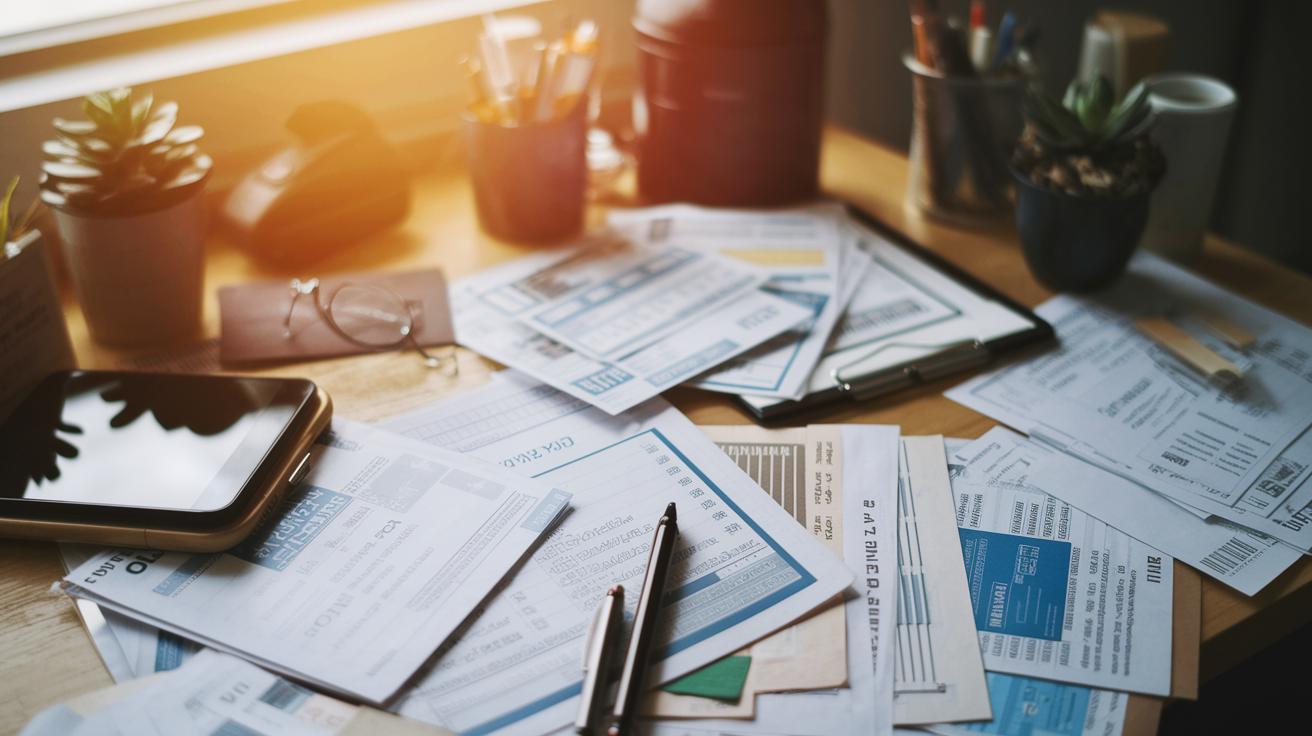
Begin by collecting your important financial papers. Grab about three months’ worth of bank statements, bills, and receipts so you can see where your money goes, like rent, utilities, food, energy, and petrol. This careful record keeping helps your tracker show the real picture of your spending.
Also, keep credit card info separate. Write down only the amounts you actually pay toward clearing your debt. For example, if you have a $500 card balance but only pay $50 each month, just note that $50.
Decide early on if your budget will cover only your personal expenses or if it will include your family’s as well. Keeping things organized in one way or the other helps a lot.
For those irregular costs, like seasonal bills or surprises, it’s best to overestimate a little. So, if your energy bill is usually around $70, try budgeting $80. This little extra gives you a safe cushion in case prices rise.
| Key Items | Details |
|---|---|
| Bank Statements | Three months’ worth |
| Household Bills | Rent/mortgage and utilities |
| Receipts | Food, energy, and petrol |
| Credit Card Info | Only note repayments made towards debt |
For more handy tips on how to get all these documents in order, check out the How to Budget Guide at Niftycellar.com.
Budget Planner Templates: Excel, Printable, and Digital

When it comes to free budget planning templates, many stick with the 50/30/20 rule. That means setting aside 50% of your income for essentials, 30% for the fun stuff, and 20% for savings or paying off debt. This method is easy to follow and can really simplify your budgeting. You can also try other methods like the 60/30/10 split, a zero-based budget, the cash envelope system, or the pay-yourself-first approach that fits your unique money situation.
Excel tools for budgeting are a favorite for many because they let you build a detailed plan that you can adjust as you go. Sure, some of these are basic spreadsheets where you type in every expense, but lots of them now come with built-in formulas to add up totals and spot spending trends automatically. For example, you might begin with a preset table that breaks down your monthly income and expenses, then tweak it as needed.
If you prefer paper, printable finance organizers are just as handy. They give you a real, tangible way to track your money. A printable budget planner template is perfect for folks who like to write things down and visually check off items as they get done.
Then there's the digital option. Digital budget worksheets pack modern benefits like interactive features and auto-calculating totals, so you see your spending change in real time. They can even generate charts that lay out your financial progress – imagine seeing a clear pie chart of your expenses, with each dollar neatly placed in its own section.
| Template Type | Format | Key Features |
|---|---|---|
| Excel Budgeting Tool | Spreadsheet | Auto calculations, customizable cells |
| Printable Finance Organizer | Tangible, easy to mark up manually | |
| Digital Budget Worksheet | Online Interactive | Charts, real-time updates, simplicity |
| Budget Planner Printable | Static PDF | Practically designed, step-by-step input |
For a broad range of options, check out "Free Budget Planner Online" to download a versatile set of templates that can help you take control of your finances.
Budget Planner Workflow: Step-by-Step Usage Guide

Setting up your personal finance planner can be really simple when you take it step by step. First, enter your take-home pay and list your fixed costs like rent, utilities, insurance, and any monthly debt payments. For example, you might note, "Monthly income: $3,000" and then add "Rent: $1,000; Utilities: $200" to make sure all your regular bills are covered.
Next, jot down your variable expenses. Think about costs like groceries, gas, dining out, and fun activities. Listing these separately helps you see how everyday spending adds up. A note like "Groceries: $300" makes it easier to spot where you can cut back if needed.
Then, add your debts along with details like interest so you know exactly what you owe each month. If you have a car loan or another type of financing, include it by saying something like, "Car payment: $300." This keeps your budget true to your actual obligations.
After that, set aside money for one-time expenses by breaking down annual costs into monthly amounts. For instance, if you expect a $2,000 car maintenance bill once a year, think of it as about $167 per month. This approach helps you spread out those bigger costs evenly.
When it comes to credit card debt, just record the monthly repayment rather than every individual charge. This keeps your budget clean and focused. Finally, review the funds you have left over. Decide if you want to boost your savings or chip away at your debt. For example, you might label your extra money as "Savings: $100; Debt repayment: $50."
Following these steps on your budget sheet will help you see your money clearly and guide you to make smarter financial choices every month.
Budget Planner Apps and Advanced Digital Features
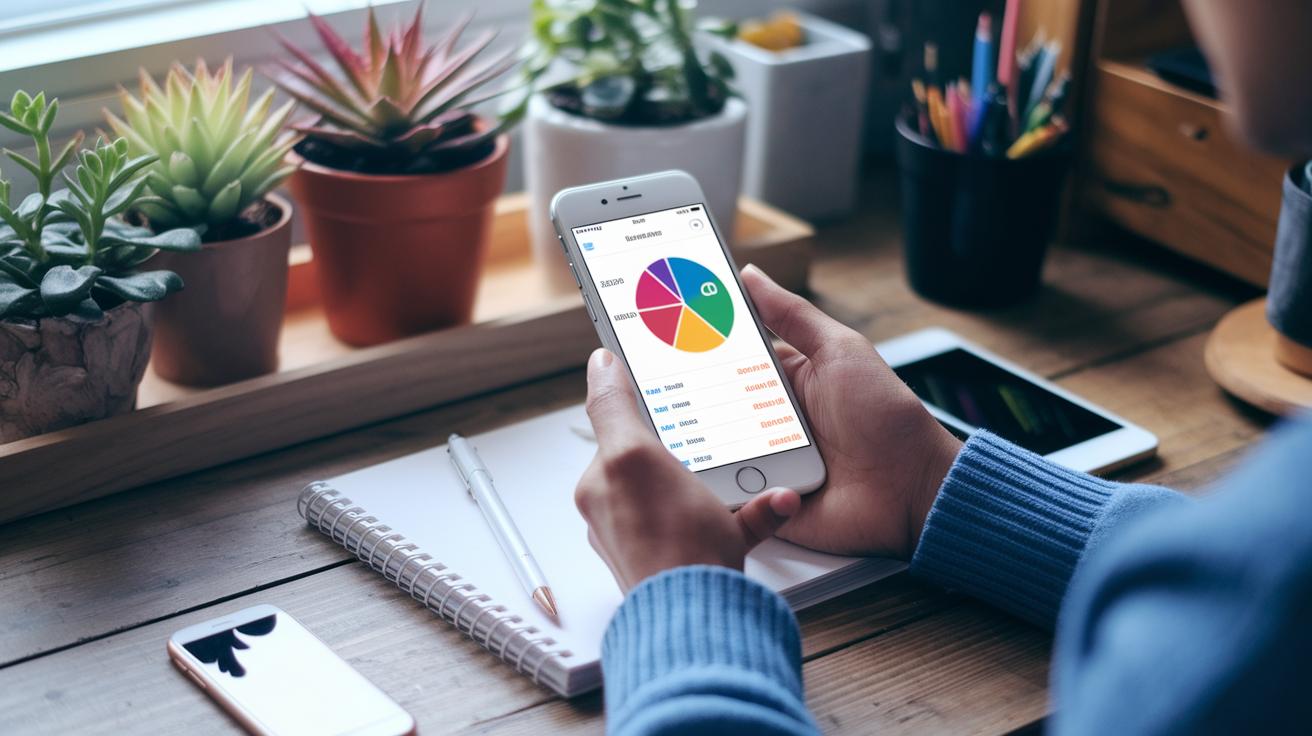
Basic digital budgeting features help you keep a clear view of your money. Your app links to your bank to fetch transactions automatically, so you always know what's happening. It sorts your spending into simple categories like bills, fun outings, or savings – just like putting your dining expense in the right spot. You also get visual charts that show your income and spending in an easy-to-read way, making your money flow clear. And when you're close to your budget limit, you get a friendly nudge to help keep things on track.
Advanced features take it a step further. Picture a tool that reviews your past spending and offers a quick guess, saying something like, "Hey, you could have an extra $75 by the end of this month." Plus, you can set up automatic transfers into a virtual piggy bank, letting you save effortlessly for future goals.
These tools work together to help you feel more confident about your finances, providing clear insights and smart ways to save.
Budget Planner Maintenance: Best Practices and Review Routines

Start by setting aside a regular time each month to review your budget using your monthly expense organizer. Every month, write down your take-home pay, fixed bills, and everyday spending. For example, you might record: "Monthly income: $3,000; Utilities: $250; Groceries: $300." This little pause helps you catch overspending early on.
Make a simple checklist for your review:
- List all recurring bills and check for easy savings, like switching utility providers.
- Update your savings tracker to see if you're on track with your goals.
- Adjust your spending on variable items to keep your lifestyle both flexible and practical.
Sometimes, you might need to make tougher savings choices by looking closely at expenses that need bigger cuts. Think of it like fine-tuning a well-running machine, small changes over time can make a big difference.
Every year, take a step back and do a thorough review. This helps cover any one-time costs like taxes or subscription renewals. At the start of each year, compare your estimates with those larger, infrequent expenses. Regular reviews and tweaks keep your budget alive and working for you over the long haul.
Final Words
In the action, we compared different budget planner options, from free online tools to advanced apps that help you track spending. We showed how gathering bills, receipts, and bank statements can turn numbers into clear steps. We broke down what to input and how to monitor progress, making budgeting feel manageable and empowering. These insights are here to boost your financial confidence and streamline money management, leaving you with a solid basis for a secure financial future.
FAQ
Frequently Asked Questions
What is a budget planner book?
The budget planner book is a tool for managing money. Its pages offer spots to record income, track expenses, and plan savings so you get a clear picture of your finances.
What is a budget planner template and how can I access free options?
The budget planner template is a pre-designed outline, like a spreadsheet or PDF, that organizes your income and expenses. Free versions let you try budgeting without spending a dime.
What does the 50/20/30 budget rule signify?
The 50/20/30 budget rule means you allocate 50% of your income for needs, 20% for savings or debt, and 30% for wants, helping you balance money matters.
What is the 70-10-10-10 budget rule?
The 70-10-10-10 budget rule splits income as 70% for living costs, 10% for savings, 10% for investments, and 10% for fun. It fine-tunes spending across several areas.
Is there a free budget planner?
The free budget planner offers online or downloadable tools that let you track income, fixed and variable expenses, and savings goals without any cost.
How do you budget $3,000 a month?
Budgeting $3,000 a month means breaking your income into clear parts: covering needs like bills, setting aside amounts for variable costs, and saving money for future plans.
What is a budget planner app?
The budget planner app streamlines money tracking by linking to your bank, categorizing expenses, and offering visual insights so you can monitor spending and adjust quickly.