
Ever feel like managing money is a huge headache? Free budgeting tools can make it so much easier. They help you work out your income and expenses in just a few minutes. These tools let you keep track of your spending, follow simple budgeting tips, and even check your credit score. Picture budgeting as a calm stroll in the park instead of a stressful chore. This post walks you through how these free resources can build a brighter financial future, one step at a time.
Compare Top Free Budgeting Tools
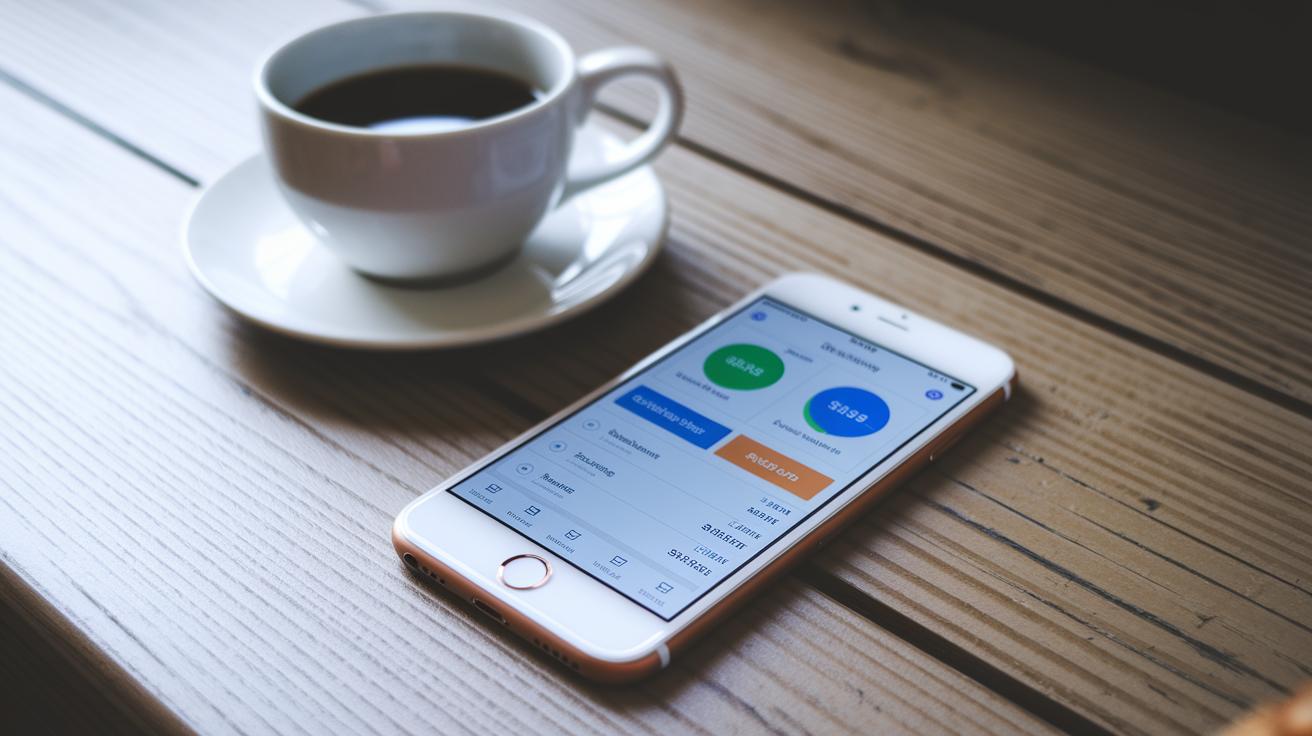
Free budgeting tools make it easy to see where your money is going. They break down your income and expenses using simple ideas like the 50/30/20 rule. You enter details such as your take-home pay, fixed costs like housing and utilities, and everyday expenses like groceries.
These tools often come with extra features too. You might find calculators for mortgages, student loans, and personal loans. This helps everyone understand their spending step by step.
They also include handy features like spending trackers, credit score checkers, and guides on topics like student debt and basic investing. With a mix of budgeting, planning, and learning tools, these apps empower you to work toward your money goals with confidence.
| Tool Name | Platform | Key Features | Best For |
|---|---|---|---|
| Mint | Web, Mobile | Expense tracking, bill reminders, credit monitoring | All-around budgeting |
| YNAB (free trial) | Web, Mobile | Goal setting, interactive budgeting, detailed reporting | Hands-on planning |
| Goodbudget | Web, Mobile | Envelope budgeting system, sharing options | Envelope method users |
| Google Sheets template | Online Spreadsheet | Customizable 50/30/20 rule, interactive charts | DIY budget enthusiasts |
| PocketGuard | Mobile, Web | Automatic expense categorization, spending insights | Quick and simple tracking |
Each tool fits a different style. If you’re always on the go, Mint and PocketGuard can track your spending automatically. For those who like a more detailed plan, YNAB offers structure and insight. If you prefer a hands-on approach using the envelope method, then Goodbudget might be your best pick. And if customizing your budget is your thing, the Google Sheets template lets you adjust things just how you want.
With all these choices, you can easily find the tool that matches your lifestyle and helps you manage your money better.
How Free Budgeting Tools Work: Key Features

Free budgeting tools make planning your money a breeze by sorting your earnings, regular bills, and even debts into clear groups. They often follow simple guides like the 50/30/20 rule, which breaks your money into spending, saving, and essentials, so you can see exactly where every dollar goes.
They pull in your net pay and routine bills automatically, while keeping an eye on your daily spending. You get easy-to-read charts and graphs that summarize your totals, so checking your budget feels quick and simple. Plus, you’ll receive handy reminders about upcoming bills or if you start overspending, and there are built-in modules to set goals for reducing debt and growing your savings. It really turns a boring budgeting job into an engaging snapshot of your finances.
Many free budgeting tools also sync with your bank accounts. This means your transactions update in real time, giving you an always-current view of your money. They even allow you to connect with credit monitoring services, which helps you keep tabs on your credit health while managing everyday expenses.
There are also extra features like calculators for mortgages, personal loans, and even home affordability. These tools provide clear numbers so you can make smart choices about your financial future.
Step-by-Step Setup of Free Budgeting Tools

First, pick a budgeting tool that fits your style. Whether you choose a simple mobile app or a straightforward spreadsheet, it should make tracking your money clear and easy.
Start by setting up an account or opening the template. It’s as simple as entering your email and creating a password. This step lays the groundwork for your budget.
Next, input your monthly take-home pay. In other words, type in the money you actually receive after deductions, so the tool can split your funds using a method like 50/30/20.
Then, list your fixed expenses such as rent, utilities, and regular bills. This helps the tool see what your must-pay costs are and builds a strong base for your plan.
After that, add your variable costs like groceries, eating out, and entertainment. Enter these flexible amounts so the tool can accurately adjust your spending totals.
Finally, review your budget by checking each category and the calculated amounts. Tweak the numbers to match your real spending habits better.
Feel free to try different budgeting methods. Some tools let you choose a zero-based plan or a cash-envelope system, giving you extra flexibility as your needs evolve.
Pros and Cons of Free Budgeting Tools

If you’re just starting to take control of your money, free budgeting tools can be a great, no-cost option. They show you where your cash is going and help you keep tabs on your savings without a lot of fuss.
Pros:
- You get easy expense tracking and clear, visual reports without paying a cent.
- They come with built-in goal-setting to help guide you in paying off debt.
- You can sync your info across different devices, so you always have a full picture of your finances.
- They lay out your spending in a straightforward way, making it easier to make smart choices.
Cons:
- Some tools might not connect with every financial account you use.
- If you need more detailed insights, you might have to upgrade to a paid version.
- Ads can pop up within the app, which might get in your way.
- They often have fewer options to customize how you track and manage your money.
Before you jump in, think about what you really need for your money journey. If simple tracking works for you, these tools can do the job just fine. But if you’re looking for detailed analysis or extra flexibility, starting free and upgrading later might be the way to go.
Free vs Paid Budgeting Tools Comparison

Free budgeting tools give you a simple way to track your spending without costing a dime. They cover the basics by showing you where every dollar goes, making it easy to keep track. But if you’re looking for more insight, these free versions can fall short when it comes to customization and predicting future expenses.
Paid services often bundle in helpful features like mortgage, loan, and investment calculators along with one-on-one advice or community perks. For example, a free tool might neatly sort your spending into categories, yet it might limit how many categories you can use or make exporting data a hassle. In contrast, paid tools dig deeper into your spending habits by offering detailed forecasts and personalized tips that can help shape a fuller financial plan.
When it comes to price, free tools give you a basic, cost-free way to see budget reports and spend data. Premium tools, however, require a subscription that opens up advanced bank integrations, additional calculators, and access to financial planners for tailored guidance. This extra support can be a game changer if you’re ready to move past simple tracking and streamline your financial planning.
Take a moment to consider your financial goals. If you just need a straightforward look at your spending, free tools might do the trick. But if you're aiming for detailed insights and a more strategic approach, investing in a paid platform could be well worth it.
Free Budgeting Tools Empower Your Financial Future
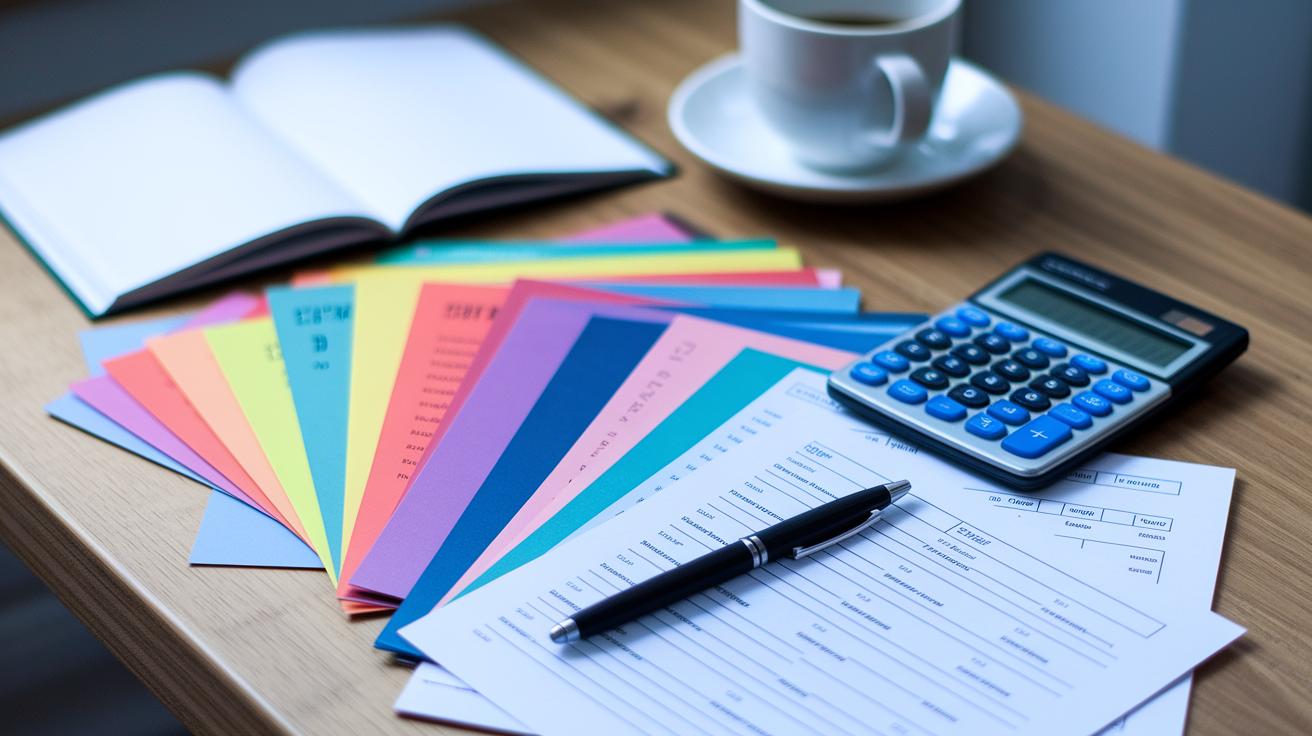
Downloadable budgeting templates and worksheets make it easy to get your money in order. They let you plan offline and print your tracking sheets, so you don't need to deal with confusing software. Budgeting becomes both simple and fun.
There’s an Excel template that follows a rule like the 50/30/20 method. It automatically works out how much you should put toward your needs, wants, and savings by using built-in formulas. Just plug in your numbers and watch it do the work.
You can also use a Google Sheets template that lets you share your budget with friends or family. Everyone can update expenses in real time, turning group budgeting into a breeze.
If you like the feel of paper, a PDF cash-envelope worksheet might be perfect for you. It mimics the classic envelope system, letting you write down your spending by hand without needing an internet connection.
For a more visual approach, there’s a chart template that uses colorful graphs and pie charts. It automatically shows your percentages and totals so you get an instant snapshot of your finances.
Mix and match these tools to create a budgeting experience that fits your style. For a customizable spreadsheet kit, check out the personal budgeting template at https://niftycellar.com?p=. Enjoy putting your financial future in your hands!
Best Free Mobile Budgeting Apps

Ever feel like you need to keep an eye on your spending at any moment? With budgeting apps on your phone, you can easily jot down expenses, see real-time money updates, and even take a quick snap of your receipts. It’s a handy way to stay on top of your cash flow, even on your busiest days.
Mint works on both iPhone and Android. It lets you log expenses on the fly, sends handy bill reminders, and sorts transactions automatically. Plus, you can scan receipts for extra clarity. Some users say that even though Mint is user-friendly, the free version might limit how many accounts you can link.
Goodbudget is a solid choice if you like the envelope budgeting approach. Available on both iOS and Android, it lets you create custom categories and track spending easily. It’s perfect for those who like to be hands-on with managing their money, even if it means fewer advanced features than some other apps.
PocketGuard offers a straightforward way to track your money. It runs smoothly on both major platforms, syncing your spending data in real time and sending alerts to help you avoid overspending. Still, it might limit the number of accounts you can connect.
Mvelopes brings the classic envelope system right to your smartphone. Compatible with both iPhone and Android, it provides detailed expense tracking and helps you set spending limits. While it’s a powerful tool, some features in the free version may be fewer than what you’d get with the premium upgrade.
Tips for Getting the Most from Free Budgeting Tools

Free budgeting tools can really change how you handle your money. They help you keep track of your spending so every dollar has a job.
Keep your budget current by regularly adding new transactions and checking your bank statements. Think of your weekly review as tidying up a messy desk. Sort through your spending entries, change your spending rules as your needs shift, and set up categories that mean something to you. Use the built-in goal-setting features to plan for paying off debt or boosting your savings, and don't forget the alerts that help you avoid missed payments or overspending.
Every now and then, take a look at your progress and let the charts guide your next moves. If a graph shows uneven spending, adjust your budget a little. Over time, this honest check-in can reveal patterns that help you fine-tune your plan, turning simple tracking into a powerful tool for growing your money.
Final Words
In the action, we compared top free budgeting tools to see how they simplify tracking income, expenses, and debts. We showed how to set up these tools and highlighted clear pros and cons. The guide walked through spreadsheets, mobile apps, and step-by-step plans that cater to everyday needs. Each option offers unique features, whether you’re curious about expense charts or hands-on setting adjustments. With free budgeting tools at your fingertips, financial control feels achievable and inspiring. Here's to confident and informed money decisions.
FAQ
What are the best free budgeting tools available?
The best free budgeting tools include mobile and web apps that track expenses, income, and savings. They help you monitor spending and reach your financial goals using features like reminders and visual charts.
What is Goodbudget?
The Goodbudget tool functions as an envelope budgeting system, letting you set aside money for different spending categories so you keep clear control over every expense.
What is a free budget template or planner?
The free budget template or planner offers a simple layout to record income, track expenses, and plan savings. It often uses rules like the 50/30/20 rule to guide your spending balance.
How does the Mint budget app work and is Mint still free?
The Mint budget app works by tracking income, expenses, and credit information all in one place. Mint remains free, offering a no-cost option to keep your money management clear.
How does the PocketGuard budget tracker app support financial management?
The PocketGuard budget tracker app supports financial management by categorizing your spending and showing available balances so you stay aware of your money flow on the go.
What does the 50/20/30 budget rule mean?
The 50/20/30 rule means you can divide your income into spending 50% on essentials, 20% on savings or debt repayment, and 30% on personal spending to keep your finances balanced.
Is EveryDollar actually free?
The EveryDollar app offers a free version that covers basic budgeting needs, though some advanced features are available for a fee, making it a useful starter tool for tracking your budget.